"Should I use WordPress?" is one of the first questions business owners ask us, and the honest answer is: it depends on who will run the site and what it needs to do. Each option below is the right choice for someone. Here is how to tell which is right for you.
The three options in plain language
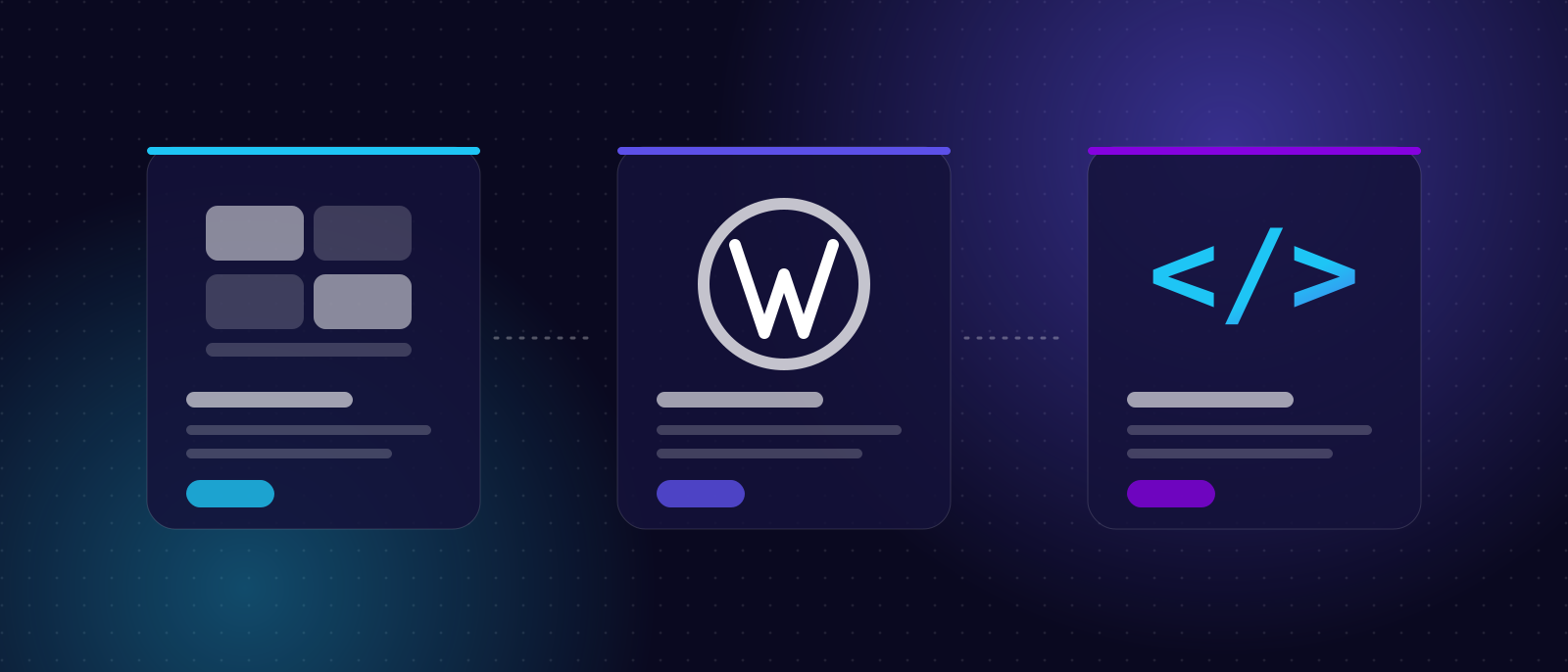
- Website builder (Wix, Squarespace and similar): you design in the browser, and the company hosts and maintains everything. You rent the platform.
- WordPress: free, open-source software you install on hosting. You pick a theme and plugins, and manage updates yourself or pay someone to.
- Custom-built: a developer writes the site for your needs, for example with a framework like Next.js. Content may be edited through a separate CMS or in files.
Editing and day-to-day updates
- Builders are the easiest for non-technical owners: click, type, publish.
- WordPress is nearly as easy for content, and its editor is familiar to many people.
- Custom sites need an editing layer, such as a headless CMS, to be non-technical-friendly. Without one, changes mean asking a developer. Ask any developer who proposes custom work exactly how you will edit your own pages.
Speed and performance
Any stack can be slow, and any can be fast. Heavy scripts and huge images slow every platform.
- A well-built custom site can be very fast by default, because it ships only what it needs.
- WordPress can be fast with good hosting, a light theme and few plugins, but heavy themes and page builders often hurt it.
- Builders sit in the middle and give you little room to tune.
Speed matters for visitors and search. See our guide to Core Web Vitals for what to measure.
Security and maintenance: who is responsible?
- Builders: the company handles hosting, updates and security. Least effort for you.
- WordPress: the software is widely used and reviewed, but sites usually get into trouble through outdated plugins, weak passwords or poor hosting. Plan for regular updates and backups.
- Custom: a static or well-structured site has a small attack surface, but dependencies still need updating, and someone must own hosting and fixes. "Custom" doesn't mean "maintenance-free".
Flexibility and integrations
- Builders limit you to what the platform offers.
- WordPress has plugins for almost everything, which is a strength and, if overused, a risk.
- Custom has the most freedom: unusual designs, booking flows, dashboards and connections to other systems. If your idea doesn't fit a template, this is where it fits.
Ownership and lock-in
With WordPress and custom code, you own the site and can move it between hosts. Builders generally tie your design to their platform, and moving away often means rebuilding it. Check what you can export before you commit.
Who should choose which?
| If you... | Consider |
|---|---|
| Need a simple site quickly, have no developer and few special needs | A website builder |
| Publish a lot of content, want a familiar editor, or run a WooCommerce shop | WordPress |
| Need bespoke design, high performance, custom features or integrations | A custom build, with a clear plan for editing and maintenance |
| Aren't sure | Start from what the site must do and who will maintain it, then pick the simplest tool that does it |
Moving platforms without losing your search traffic
A platform change is a site move, and mistakes can lose rankings. Google's site move guidance is worth reading. The essentials:
- List every existing URL before you start.
- Keep URLs the same where you can; where you can't, set up 301 redirects from old to new.
- Move content, images, alt text, page titles and descriptions.
- Carry over structured data, forms, email and analytics.
- Build and test on a private staging site first.
- After launch, submit your sitemap and watch Search Console for errors.
Questions to ask any developer
- How will I edit text, images and pages myself?
- Who looks after updates, backups and security after launch, and what does that involve?
- Can I take my site elsewhere if we part ways?
- How will you keep it fast as I add content?
- What happens if a plugin or dependency breaks?
Good answers are specific. Vague ones are a warning sign.
Still deciding?
We build websites on WordPress and on custom stacks, and we'll recommend whichever fits your team, not whichever we'd prefer to build. Book a call and tell us what you need the site to do.