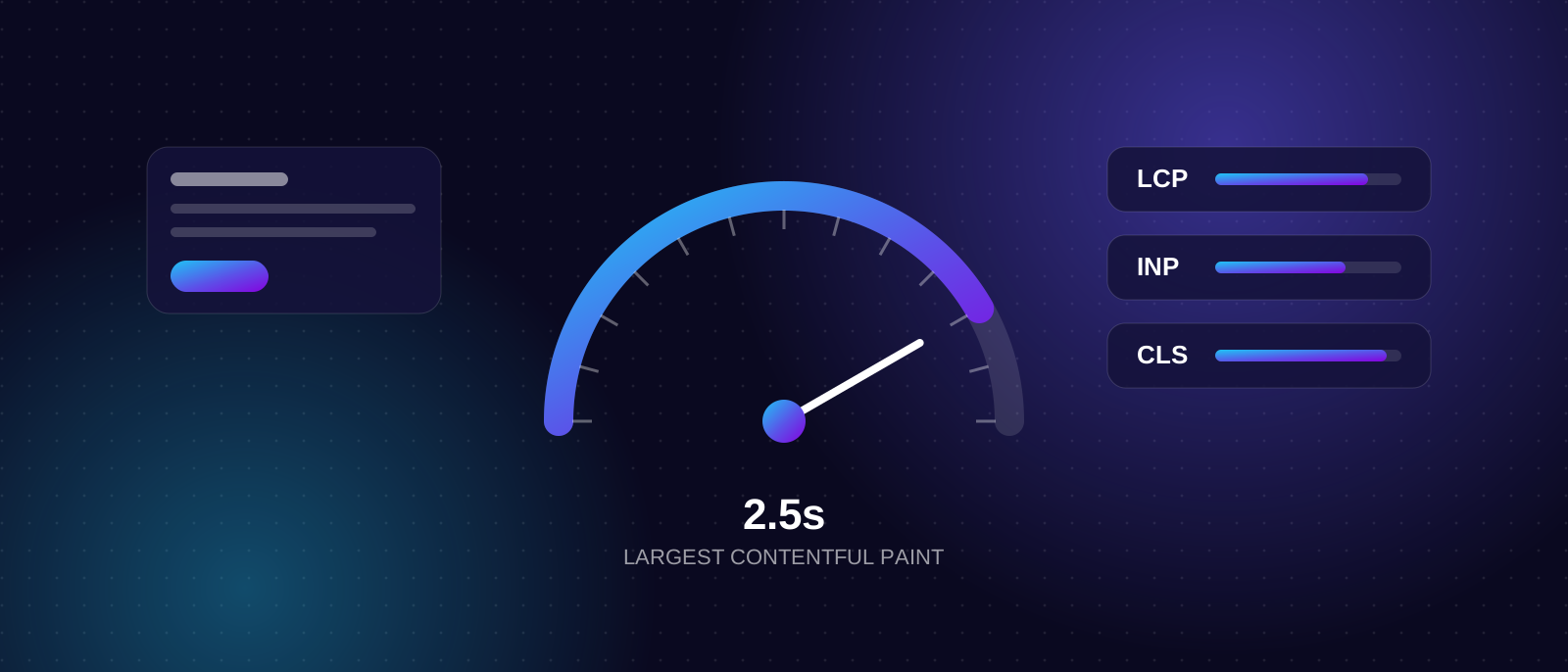
A slow website loses people before they read a word. On a phone, on a mobile network, in the middle of a busy day, visitors don't wait around to see whether your page is worth it. Google also pays attention to how a page feels to use, and it measures that with three numbers called Core Web Vitals.
This guide explains those numbers in plain language, why the tools often disagree with each other, and which fixes make the biggest difference on a typical small business site.
Why speed matters
There are three reasons to care, in order of importance.
- Visitors. Most people in Sri Lanka browse on mobile, often on networks that vary from street to street. A page that feels instant on office Wi-Fi can crawl on 4G.
- Enquiries and sales. Large brands have published results linking faster pages to better conversion. Google's own case studies include Vodafone (8% more sales after a 31% LCP improvement) and Lazada (16.9% higher mobile conversion). These are self-reported by big companies and usually involved several changes at once, so treat them as evidence that speed matters, not as a promise for your site.
- Search. Google recommends good Core Web Vitals and says they align with what its ranking systems aim to reward. It does not say that fast pages automatically outrank slow ones: relevance and content still come first. Think of speed as removing a handicap, not as a shortcut to position one.
The three Core Web Vitals and their targets
| Metric | What it measures | Good |
|---|---|---|
| LCP (Largest Contentful Paint) | How long until the main content, usually the hero image or heading, appears | 2.5 seconds or less |
| INP (Interaction to Next Paint) | How quickly the page responds when someone taps, clicks or types | 200 milliseconds or less |
| CLS (Cumulative Layout Shift) | How much the layout jumps around while loading | 0.1 or less |
A page passes when all three are "good" for at least 75% of real visits, measured separately for mobile and desktop (web.dev). INP replaced the older FID metric in 2024, so any advice that still talks about FID is out of date.
Field data vs lab data: why your scores disagree
You can test the same page on the same day and get different answers. That is normal, because there are two kinds of data.
- Field data comes from real Chrome users visiting your site over the last 28 days. This is what Google uses, and what Search Console reports.
- Lab data is a simulated test, such as the Lighthouse score in PageSpeed Insights. It is useful for finding problems, but it varies between runs and doesn't show what your actual visitors experience (Google's explanation).
Two practical consequences:
- Don't chase a perfect 100. A lab score of 90+ is rated good, but the goal is passing the three field metrics, not a trophy number.
- Give changes time. Field data is a 28-day rolling window, so improvements take weeks to show. New or low-traffic sites may have no field data at all. Then you rely on lab tests until traffic builds.
Lighthouse can't measure INP, because it doesn't click anything. It reports Total Blocking Time as a stand-in. Real INP only shows up in field data.
What actually slows small business sites
In our experience, a handful of causes account for most slow sites.
Oversized images
A 4 MB photo straight from a phone, displayed in a 600-pixel space, is the most common culprit. Resize images to the size they're shown, use modern formats such as WebP or AVIF, and compress them. Always set the width and height so the browser can reserve space, which also prevents layout shift.
One trap: never lazy-load the main image at the top of the page. It is usually the LCP element, and delaying it makes the score worse. Google's LCP guide also suggests marking that one image as high priority.
Third-party scripts
Chat widgets, tracking pixels, tag managers, sliders and social embeds each add JavaScript that competes with your own page. They are the leading cause of poor INP. Audit them honestly: if nobody looks at a tool's reports, remove it. Load the rest after the page is usable.
Heavy themes and page builders
Many ready-made themes ship large amounts of CSS and JavaScript for features you never use. The result is a page that looks light but loads like a heavy one. This is a big part of why the platform choice matters, which we cover in WordPress, custom-built or website builder.
Fonts
Every font weight is another file to download. Use two families at most, only the weights you need, host them yourself where possible, and make sure text stays visible while they load.
Slow hosting and no caching
If the server takes a long time to respond, every other optimisation starts late. Good hosting, a CDN for static files, and sensible caching reduce that delay. Google's guidance is to check which part of LCP is actually slow before fixing anything, because the server is often not the main bottleneck.
Layout shift from late-loading content
Banners that appear after the page loads, ads without reserved space, and images without dimensions push content down while someone is reading or about to tap. Reserve space for anything that arrives late.
How to check your own site
- Run your home page and your most important landing page through PageSpeed Insights. Look at the field data section first, if it exists, then the lab diagnostics.
- Open the Core Web Vitals report in Google Search Console. It groups URLs by status and shows which are failing and why.
- Test on a real phone over mobile data, not only on your laptop.
- Re-test after each change, one at a time, so you know what helped.
A realistic fix order
If you do nothing else, work down this list:
- Compress and resize images; fix the hero image.
- Remove scripts and plugins nobody uses.
- Set image and embed dimensions to stop layout shift.
- Trim fonts.
- Improve hosting and caching.
- Only then consider deeper development work on JavaScript and rendering.
Honest limits
Fixing speed won't rescue a site with thin content, unclear pages or the wrong keywords, and it won't make a competitor with far stronger relevance disappear. It will make your site pleasanter to use and remove a reason for Google and visitors to look elsewhere. For businesses that depend on mobile visitors, that is usually worth doing early.
When to get help
If your scores are poor and the fixes above feel technical, or your platform makes them hard, it may be time for a rebuild or a focused performance pass. We build fast, responsive websites and landing pages with speed treated as part of the design from the first day. Book a call and we'll look at your site together.