Accessibility means that people can use your website whatever their abilities or circumstances: someone with low vision, someone using only a keyboard, someone squinting at a phone in bright sunlight. It is good manners, good business and, in some markets, a legal expectation. It is also much more achievable than most owners assume.
What WCAG 2.2 AA actually means
The Web Content Accessibility Guidelines (WCAG) are the international standard for accessible websites. Version 2.2 became a W3C Recommendation in October 2023 (W3C). Success criteria are graded A, AA and AAA, and AA is the level most organisations, clients and regulators aim for. Meeting AA means meeting all the A and AA criteria. AAA is not usually expected for a whole site.
Why it matters
- More customers. People with disabilities, older visitors and anyone in a poor environment all benefit.
- Fewer barriers for everyone. Clear contrast, labelled forms and large buttons help every visitor.
- Reputation and risk. If you sell to customers in the EU, UK or US, accessibility expectations there may reach you. The European Accessibility Act, for example, has applied to many consumer services since June 2025, with an exemption for very small service businesses. This isn't legal advice: check your own situation.
- Procurement. Larger clients and public bodies often ask whether a supplier's site meets WCAG AA.
The most common failures
Every year, WebAIM tests the home pages of the top million sites. In its 2026 analysis, 95.9% of pages had detectable WCAG failures, and the same problems dominated:
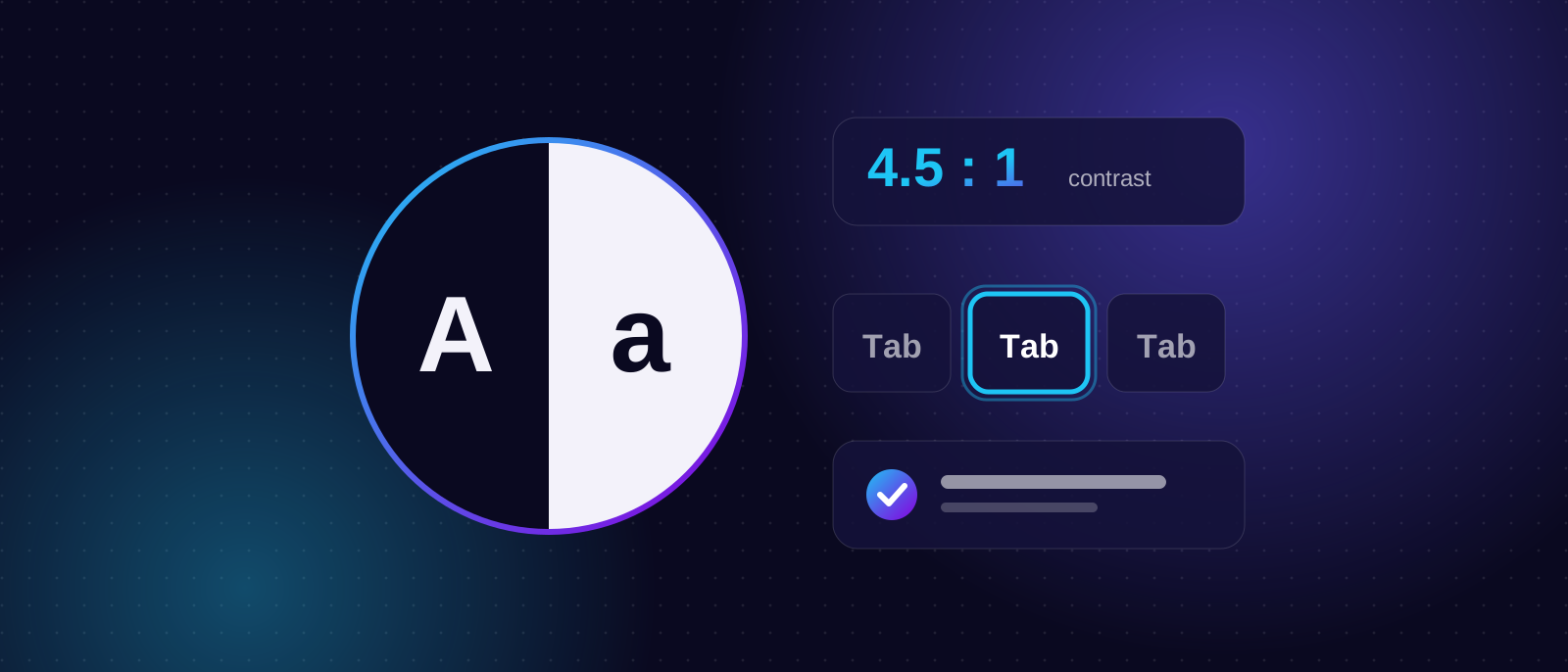
- Low-contrast text (83.9% of pages). Light grey on white may look elegant, but it's hard to read. Body text needs a contrast ratio of at least 4.5:1.
- Images without alt text (53.1%). Screen readers have nothing to announce.
- Form fields without labels (51%). Placeholder text alone isn't a label.
- Empty links (46.3%) and empty buttons (30.6%), usually icons with no text alternative.
- Missing page language (13.5%).
- Keyboard traps and invisible focus. Some visitors never use a mouse, so every control must work by keyboard and show where focus is.
What's new in WCAG 2.2
WCAG 2.2 added nine criteria; six are at levels A and AA. Three matter for most small sites:
- Target size (minimum): tap and click targets should be at least 24 by 24 CSS pixels, unless there's enough spacing around them.
- Focus not obscured: a sticky header or cookie banner shouldn't cover the control that currently has keyboard focus.
- Accessible authentication: logging in shouldn't depend on solving a puzzle or remembering something with no alternative.
It also removed an obsolete criterion (4.1.1 Parsing).
A 20-minute self-audit with free tools
You can find many problems yourself.
- Tab test (3 minutes). Click at the top of your page and press Tab repeatedly. Can you reach every link, button and form field? Can you always see where you are? Can you operate menus with the keyboard?
- Zoom test (2 minutes). Zoom the browser to 200% and then 400%. Does the page still work, without sideways scrolling or overlapping text?
- Contrast check (3 minutes). Test your main text and button colours with the WebAIM Contrast Checker.
- Automated scan (5 minutes). Run the free WAVE tool or the axe DevTools browser extension, or the Accessibility audit in Chrome's Lighthouse.
- Forms (3 minutes). Does every field have a visible label? Are error messages clear and specific?
- Images (2 minutes). Do meaningful images have descriptive alt text? Are decorative ones ignored by screen readers?
- Screen reader glance (2 minutes). Turn on VoiceOver (Mac/iPhone) or TalkBack (Android) and listen to the first screen. NVDA is a free option on Windows.
W3C's Easy Checks is a good companion list. W3C itself warns that passing quick checks does not prove a site is accessible.
Automated tools only find part of the problems
Tools are good at spotting missing labels and bad contrast, but they can't tell whether alt text is useful, whether the reading order makes sense or whether a heading is vague. Use them to find the easy wins, then test by hand.
Accessibility and SEO overlap
Many accessibility basics are also good search practice: descriptive alt text, a logical heading structure, meaningful link text, clear page titles, a language attribute and fast, mobile-friendly pages. They help search engines understand your content, but accessibility is not itself a ranking factor, so don't treat it as an SEO shortcut. Do it because it makes the site work for more people.
Why overlays aren't a fix
Some vendors sell a widget that promises instant compliance. In practice, these overlays rarely fix the underlying problems, and many accessibility professionals and disabled users criticise them. Accessibility has to be built into the design and code: colours, structure, labels, keyboard behaviour.
Where to start
- Fix contrast and labels first. They're the most common and often the quickest.
- Add or improve alt text.
- Make sure everything works by keyboard.
- Put accessibility into your process: check new pages before they go live.
When to bring in a developer
If your theme or platform fights you, the problems are in templates rather than content, or you need an audit report for a client, it's worth getting help. We design and build websites to WCAG 2.2 AA from the start, and we can review an existing site and tell you what to fix first. Book a call.